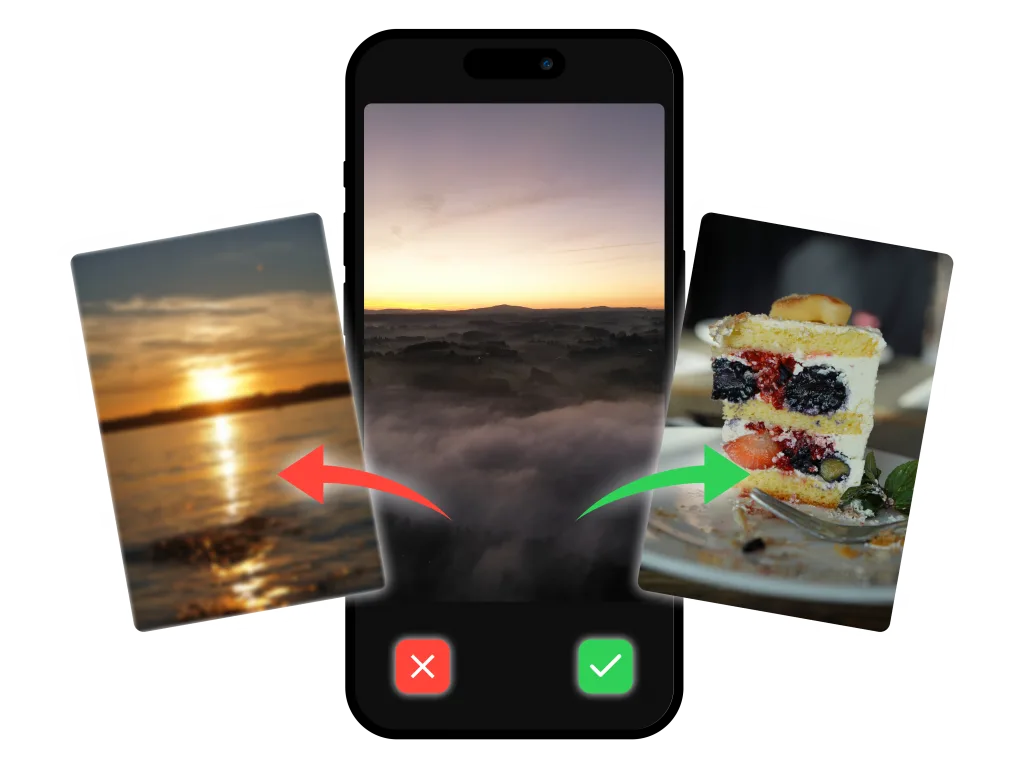
01 / MAKE THE CALLKeep the good stuff.
Keep the good stuff.
Swipe past the rest.
One photo at a time. Left to delete, right to keep. Turn that endless cleanup into a few easy decisions.
 GallerySort
The blurry ones. The seven identical sunsets.
The screenshot you needed last year.
Make room for the photos that matter.


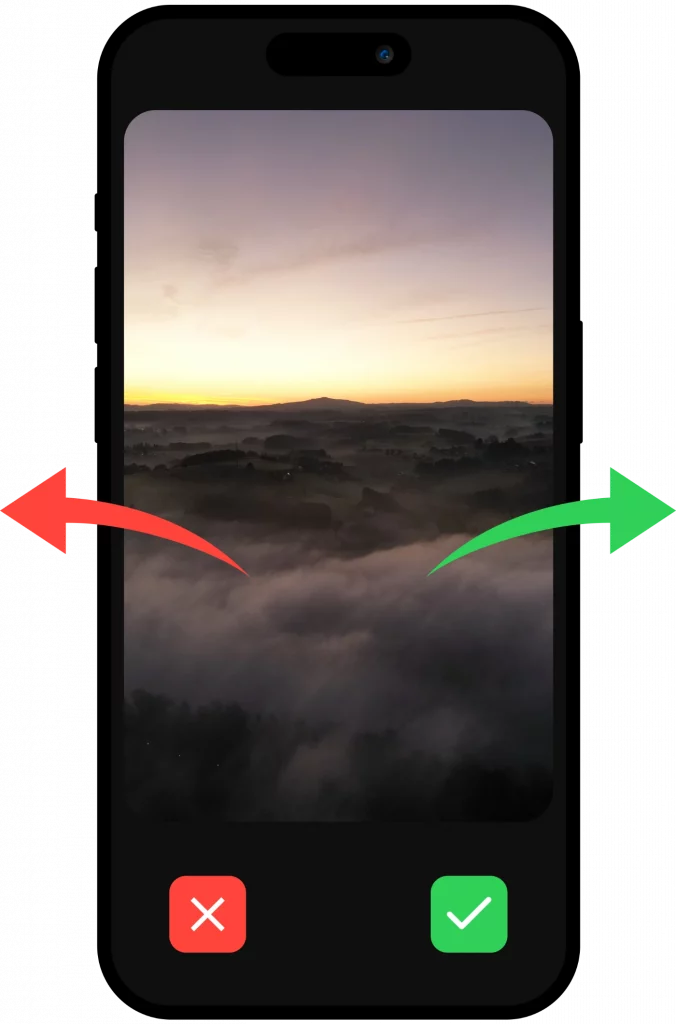 A keeper. Let it go.
No elaborate system to learn. Just you, your photos, and a much lighter camera roll.
One photo at a time. Left to delete, right to keep. Turn that endless cleanup into a few easy decisions.
Trips, people, everyday moments. Tap an album to add a photo, or create one that fits your life.
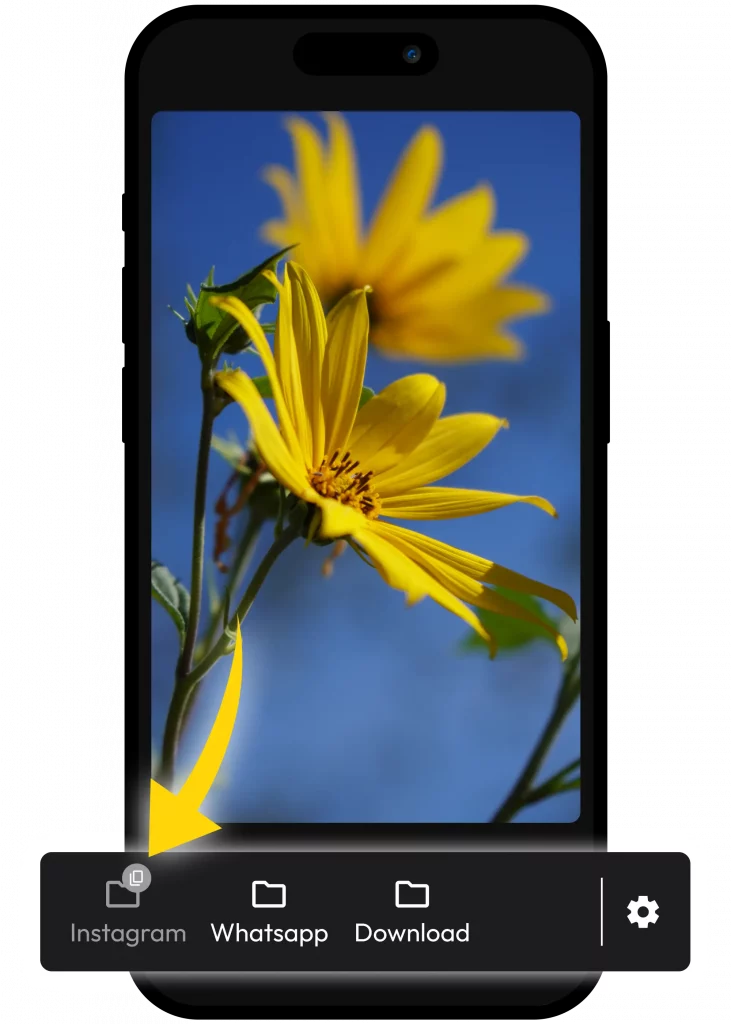
GallerySort helps you decide what stays. Photo sorting happens on your device, so your camera roll stays yours.
Find your photo-sorting rhythmSwipe left to mark unwanted photos for deletion, or right to keep them. Tap an album to add a photo to it. Start with a small batch and work through your library at your own pace.
The sorting process works locally on your device. Your existing cloud photo settings, such as iCloud Photos, still apply. Website analytics are separate from the photos in your library.
GallerySort is free to download, with in-app purchases for premium features. Check your app store for current pricing and availability.
GallerySort is available on the Apple App Store and Google Play. Each store lists the supported devices and operating system requirements.
Yes. When iCloud Photos is enabled, deleting a photo can delete it across synced devices. Back up memories you want to keep before cleaning up. See our photo cleanup guides for more detail.
Start with a few photos. Feel the difference.
Looking for your phone? iPhone photo cleaner · Android photo cleaner